Blog

  • Multilingual WordPress: From Frustration to Custom Plugin

    Now that my website is running on WordPress, I wanted to offer content in multiple languages. On principle, I believe my website should be available in Dutch – after all, it’s my native language. But since English is the lingua franca of the internet, I also wanted to be able to offer content in English.

    Time to look at what was available in terms of WordPress plugins for multilingual websites.

    Polylang

    After some research, Polylang turned out to be one of the most popular plugins for multilingual WordPress websites. The plugin has a good reputation and appears to be well maintained. Perfect, I thought.

    But I soon ran into a problem. While Polylang works well with the classic WordPress editor, support for the modern Gutenberg editor turned out to be less comprehensive. As an example, there was no Gutenberg block that I could use to add a language selection menu to my pages.

    For a website running on the latest WordPress version with Gutenberg as the editor, this felt like a missed opportunity.

    Doing It Myself

    I’ve developed blocks for Gutenberg before, so the basics of creating custom blocks were familiar. The goal was simple: a block that retrieves the available languages of the current page from Polylang and presents them as links that visitors can use to switch between languages.

    The Result

    After some experimenting and documentation reading, I managed to build a working Gutenberg block that integrates with Polylang’s functionality. You can find the result somewhere on this page.
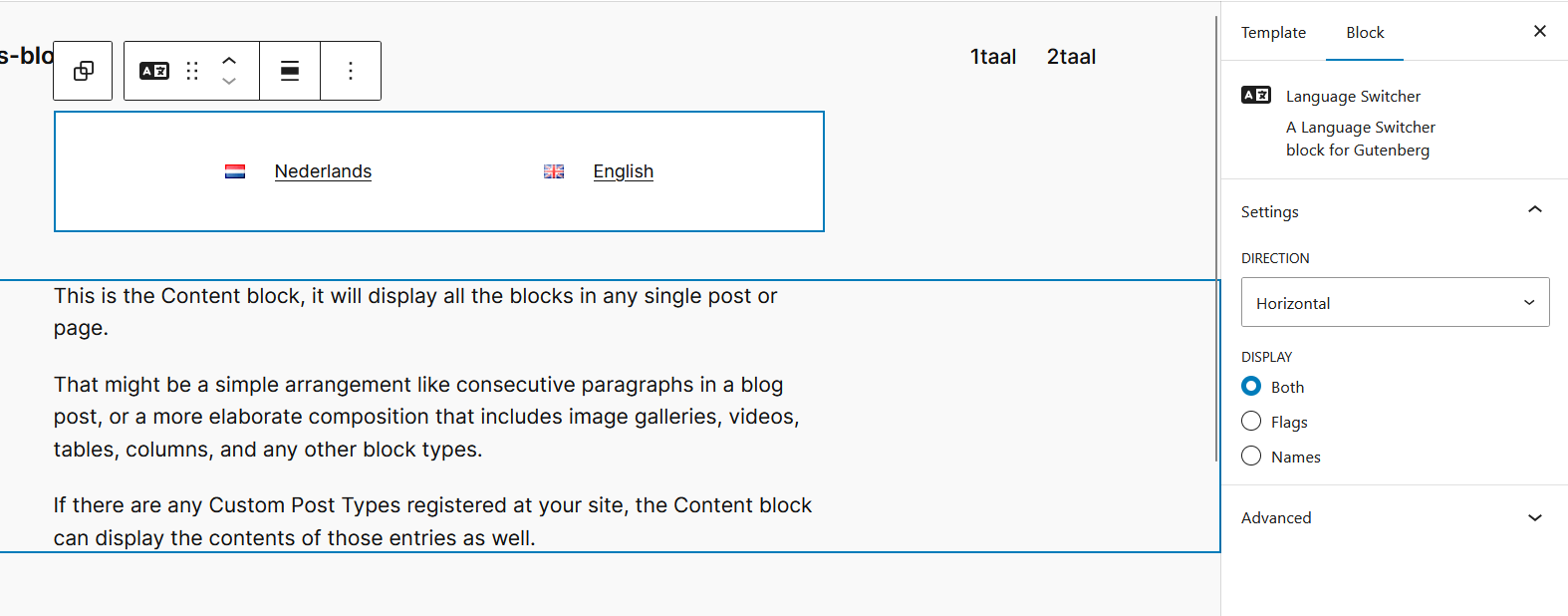
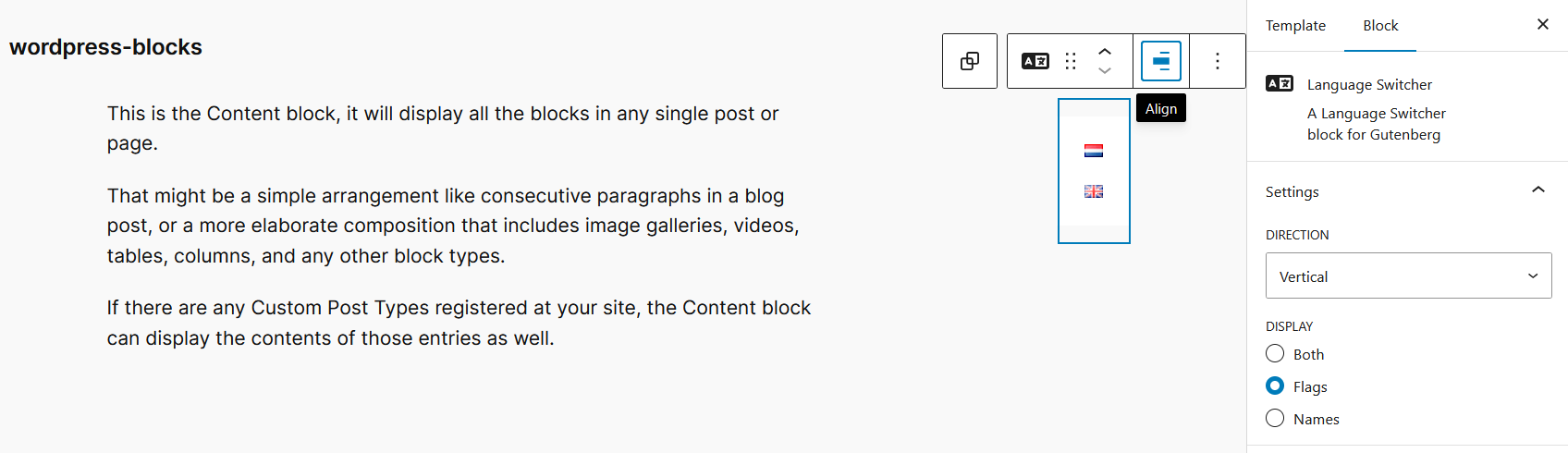
    For people who want to try the plugin themselves: the code and plugin is available at https://github.com/simonmeulenbeek/smb-language-switcher.

    Keep in mind that the plugin isn’t fully finished, hasn’t been extensively tested and that bugs and changes will likely occur.

    Issues can be reported by creating an issue in the repository. Pull requests are of course also welcome.

    Now I can share content in both Dutch and English, without being dependent on the limitations of existing plugins.

  • Hello World!

    If you’re known to your friends and family as a ‘tech-guy’, you’ll often be asked for help doing tech things. And as such I was asked to help with setting up a website for a new company.

    They asked my help because, when looking for themselves, they quickly lost themselves in the huge variety of options and offerings. How do you compare vendors? What do you look for? What is a good price?

    Looking at the requirements for the website, we decided that a simple WordPress instance would be a good fit. But looking at the available offerings, I thought that they were quite expensive for what is essentially nothing more than a managed server with WordPress pre-installed.

    So we’ve decided that I would setup something myself.

    As a teen I’ve played around with Apache (and later Nginx) to host some static HTML, or primitive PHP scripts. Later on I would self-host applications and websites for myself using Raspberry Pis. Ultimately ending up with Ghost CMS running on a Raspberry Pi.

    Of course self-hosting is not an option for a website that needs to be available all the time. So for hosting I picked an unmanaged virtual private server (VPS).

    For CMS I’ve decided to go with WordPress due to its much larger ecosystem of plugins and themes. Although the current design of the website is pretty much static, I think it’s likely that that will change at some point in the future.

    The setup of the VPS is pretty simple. I’ve picked Ubuntu server, and it’s running rootless-Docker with Caddy as a reverse proxy. Each application get its own git repository with compose files and documentation. Management of the server is only allowed coming from my Tailnet.

    Als a bonus this project gave me a chance to dust of my own domain too. Since my last move I hadn’t taken the time to setup my Raspberry yet, but since WordPress allows to host multiple sites, I’d thought I’d take the opportunity.